
Sensory Reader is a native iOS application that captures text from images using your device’s camera and reads it aloud with word-by-word highlighting. It supports 50+ languages with automatic detection, processes everything on-device for complete privacy. Sensory Reader is available for free including 25 free scans, then a small one-off in-app purchase if you would like to continue.
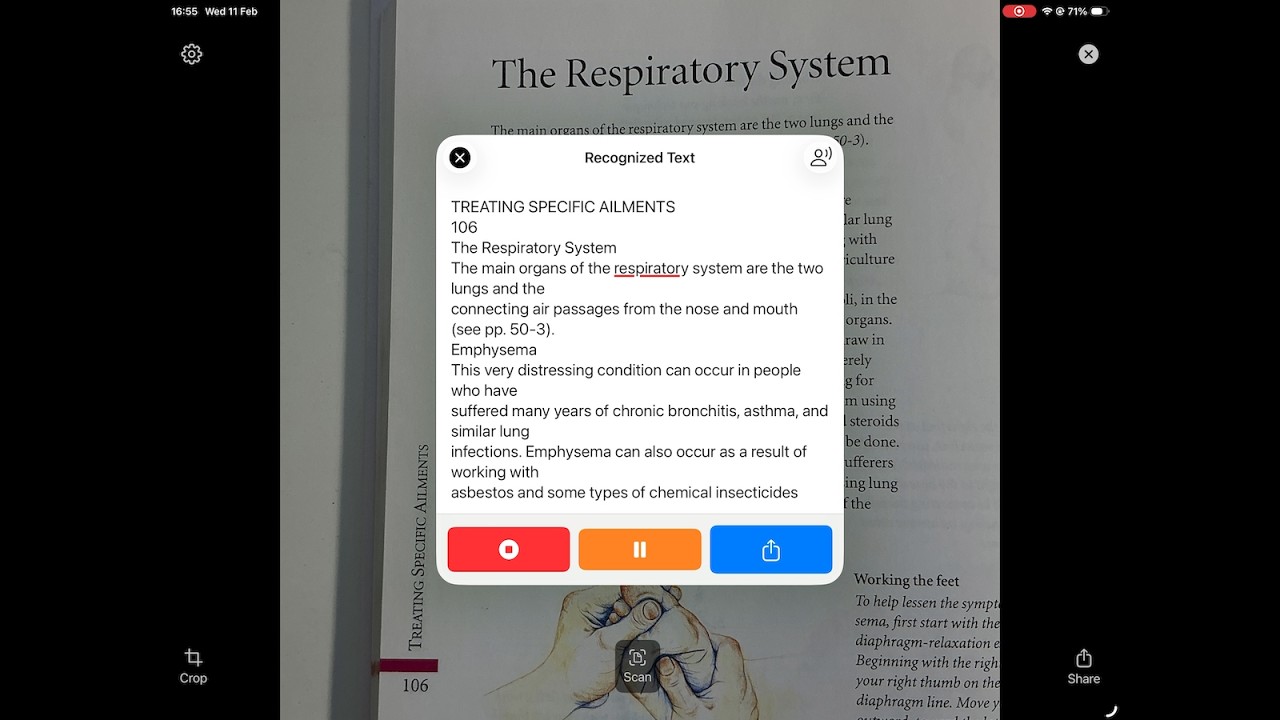
Sensory Reader: Secure photo-to-text
1. Instant Text and Text-to-Speech from Any Camera
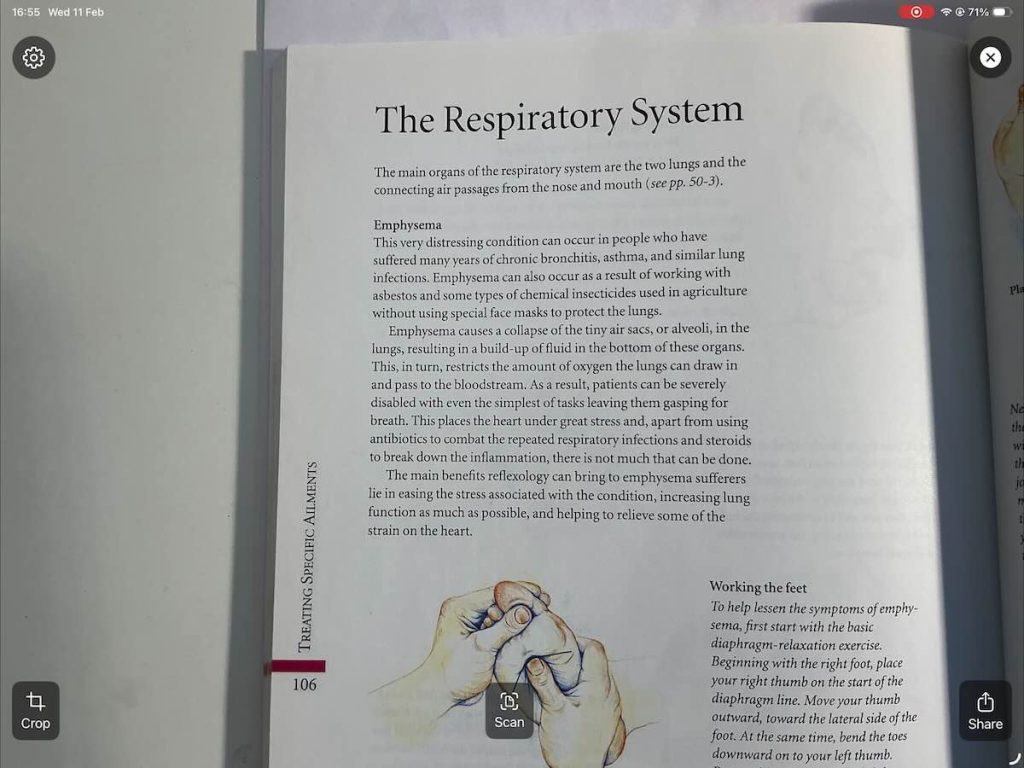
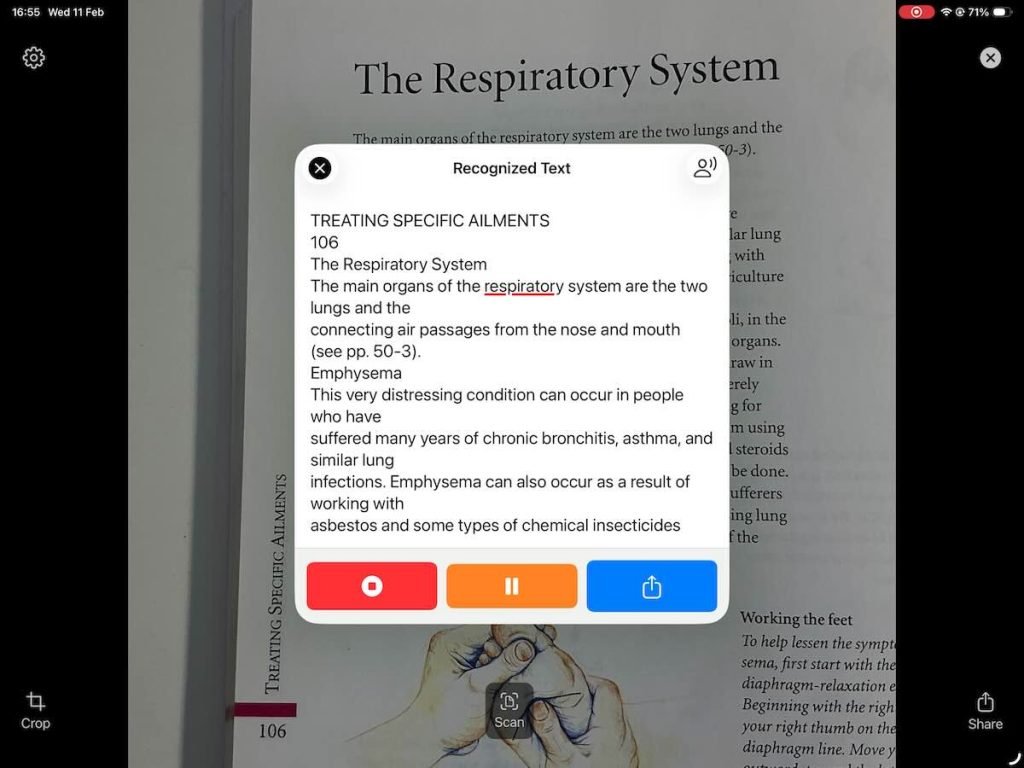
Point, tap, listen. Three steps from printed text to spoken words. No complex setup. No language selection needed. Just point your camera and the app handles the rest.
2. Complete On-Device Privacy
Every image captured, every word recognised, available to be shared or spoken — it all happens on your device. No cloud processing. No accounts. No data collection. No tracking. Your text is your business.
3. Universal Language Support
Automatic detection and reading in 50+ languages. No settings to change, no language packs to download. Scan French text and hear French. Scan Japanese and hear Japanese. The app adapts to the text.
4. Accessible by Design
Built from the ground up for people with visual impairments, dyslexia, and reading difficulties. Word-by-word highlighting reinforces the connection between written and spoken words. Large, clear controls. Simple workflows.
WHY SENSORY READER? Most OCR apps upload your images to the cloud for processing. Sensory Reader is different. We use advanced on-device technology to ensure that your scanned text never leaves your iPhone or iPad from the app. It supports 50+ languages with automatic detection, processes everything on-device for complete privacy.

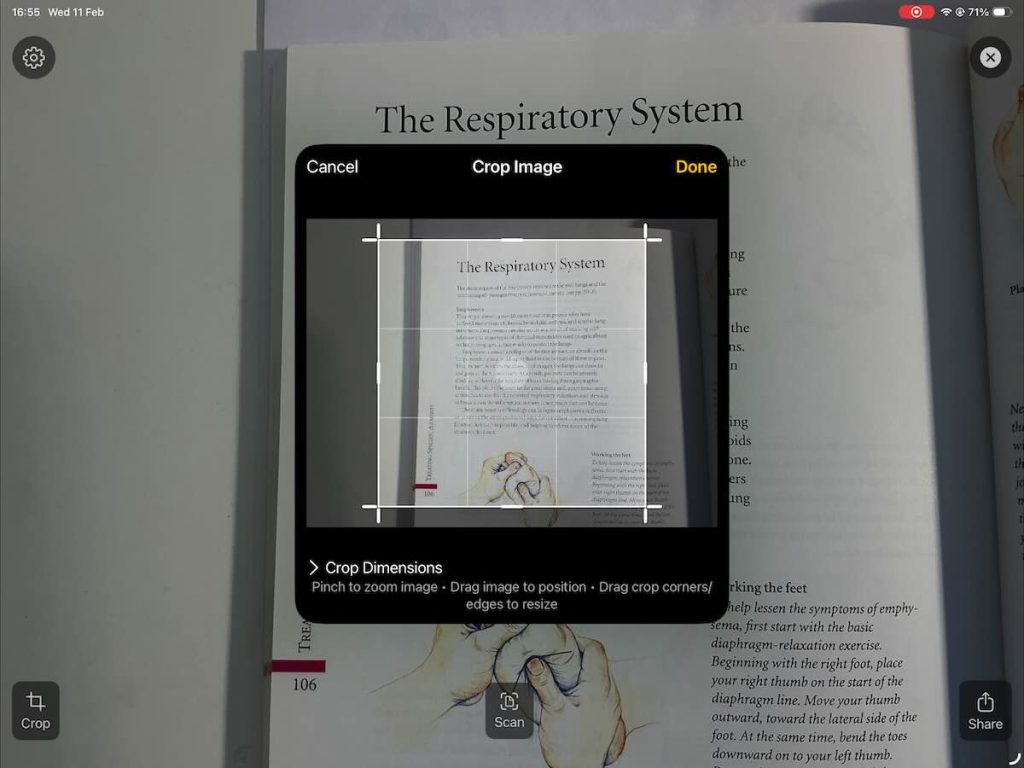
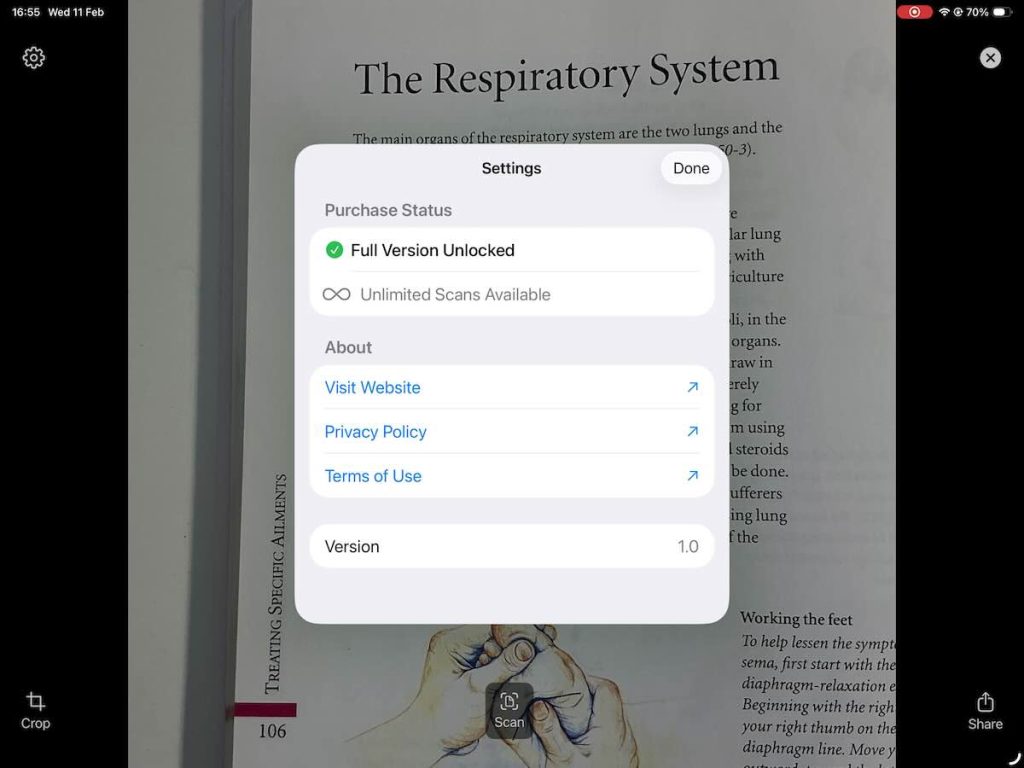
KEY FEATURES:
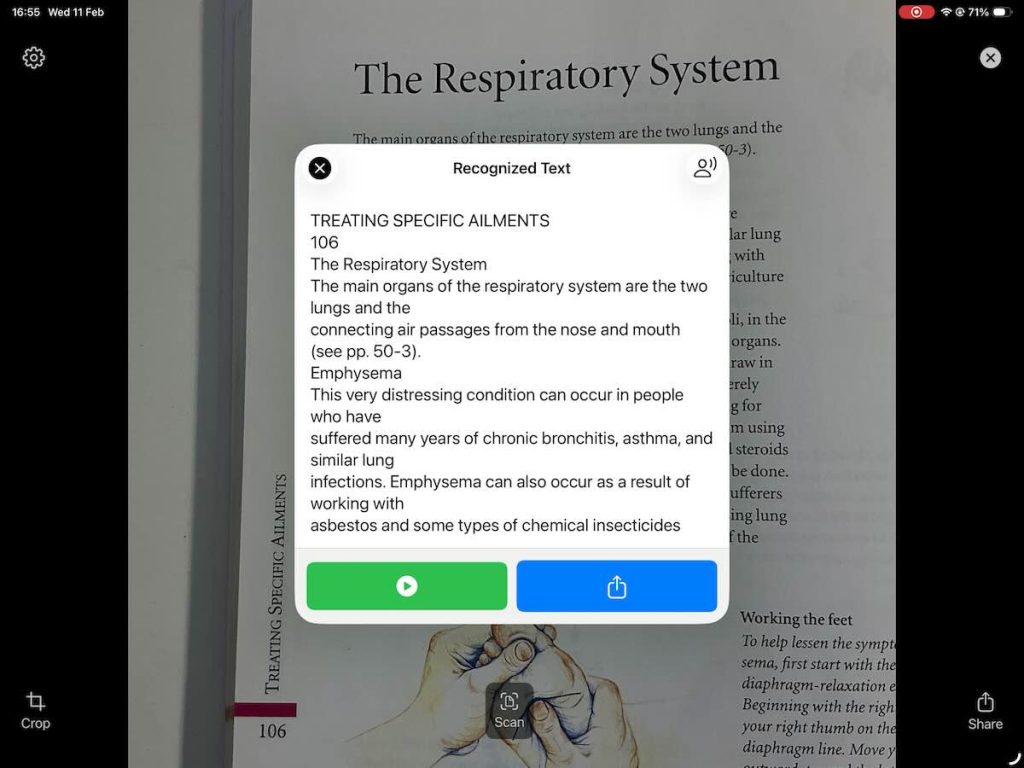
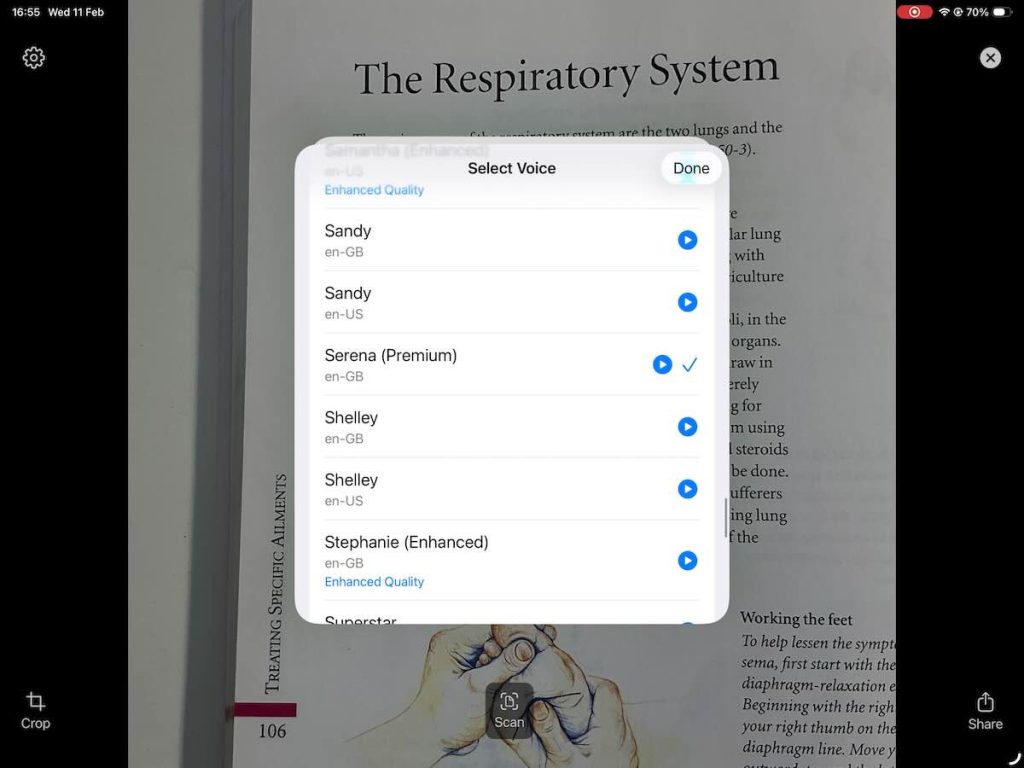
100% On-Device Processing: OCR and Speech (Text To Speech) happen locally, on device. No data is ever sent to a server. Sensory Reader will capture the image, quickly convert it to text, and give you the option to have the text spoken. The language identification of the text is also done, to choose the best voice.
- Works Offline: No internet? No problem. Scan/photo image and read anywhere, from airplanes to remote areas.
- Handwriting Recognition: Effortlessly read personal letters, cards, old notes and records. Worth a try!
- Text-to-Speech: Natural speech with real-time word-by-word highlighting
- Automatic Language Detection: automatically identifies text language
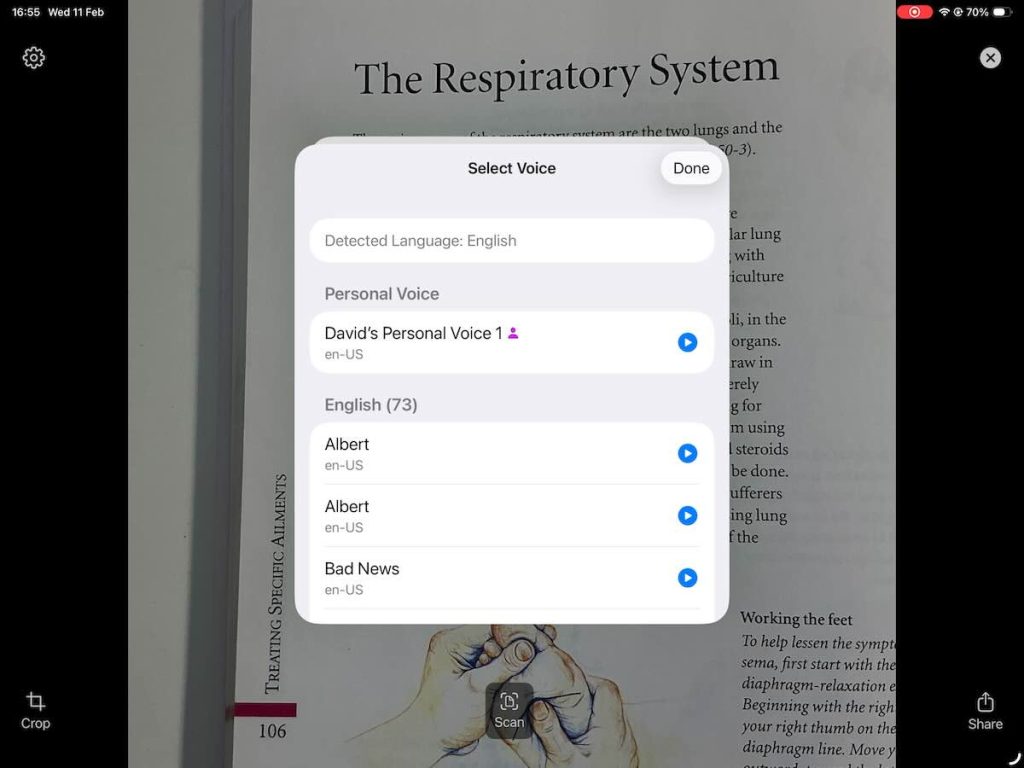
- Voice Selection: Multiple voices per language with preference saving
- Personal Voice: iOS 17+ support for reading text in the user’s own voice (iOS Personal Voice)
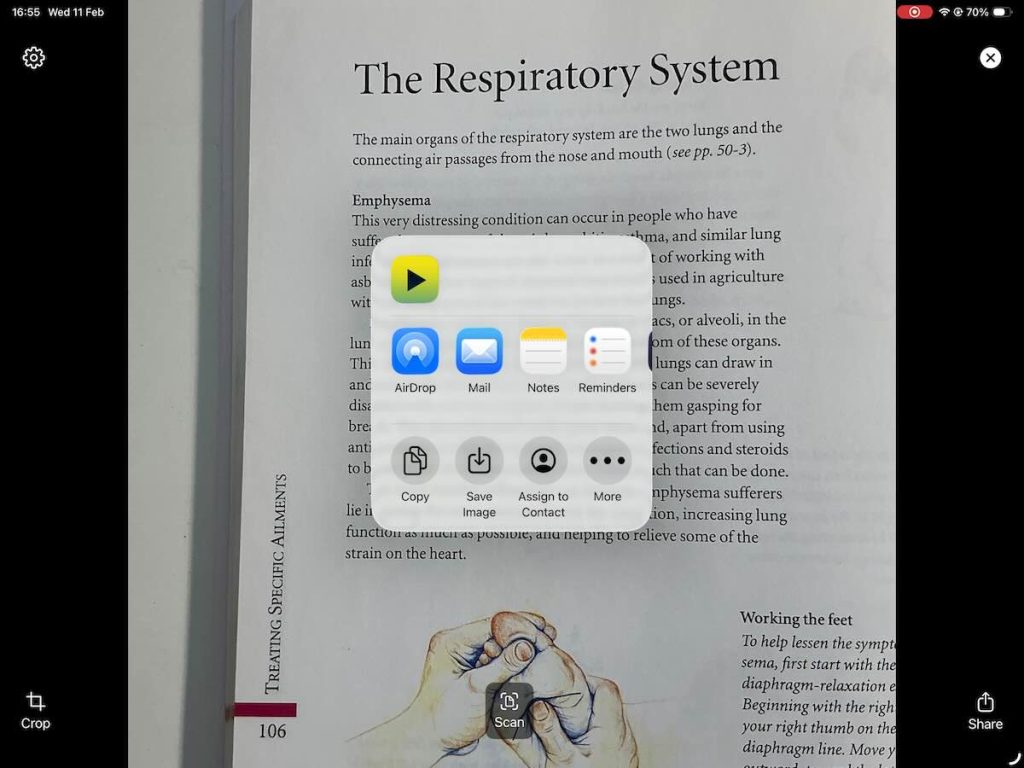
- Productivity Ready: Select, copy, or share recognised text to your favourite apps.
PRIVACY & SECURITY:
- No Data Collection: We don’t see what you scan, and we don’t track your usage.
- Secure Scanning: Ideal for sensitive documents, medical labels, or private mail.
- Zero Latency: Because there is no cloud upload, text recognition is near instantaneous.
HOW TO USE:
Point your camera at any text.
Tap to capture and recognise.
Listen as the app reads the text aloud.
Share or copy the text if needed.
Whether you are a student with dyslexia, an individual with low vision, someone working with older documents and someone who values digital privacy, Sensory Reader provides a fast, secure, and simple way extract text from paper or screenshot and listen to this printed world.
If Sensory Reader is being used on a Mac with recent MacOS, it should support Continuity Camera. This will allow you to use your iPhone as the camera for capturing text but displays the content in the Sensory Reader Mac App.
Sensory Reader Help File

Browse the Sensory Reader Help file here